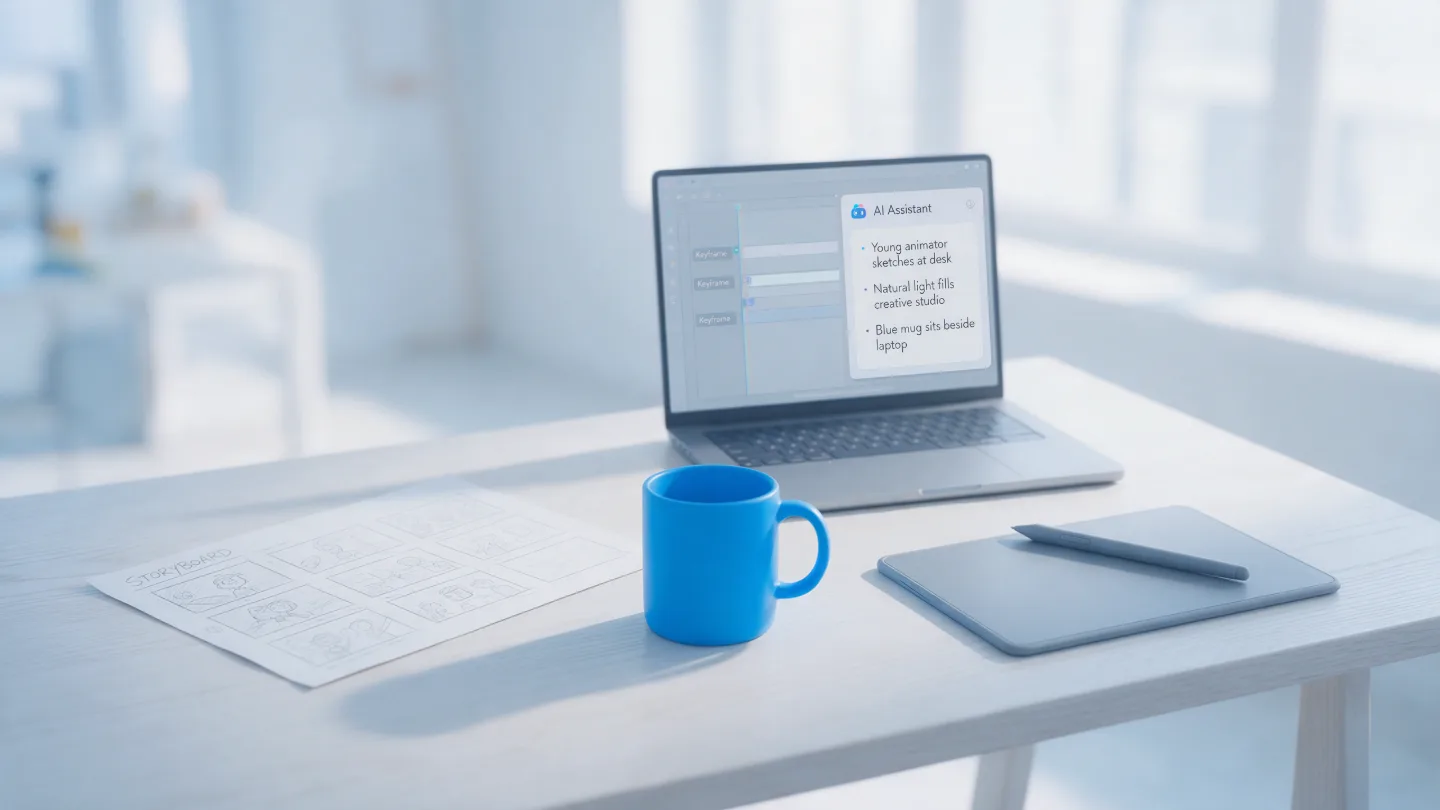
AI is now part of how most animation studios work, ours included — but as a set of power tools, not as the animator. It is very good at the repetitive, technical jobs that used to eat hours. It is not good at deciding what your video should say, how it should feel, or whether it will land with the people you need it to reach. That part is still people, and it is still where the value of an animated explainer video comes from.
What has actually changed
A couple of years ago “AI in animation” mostly meant eye-catching demo clips. In 2026 it mostly means quieter things built into the software studios already use. In September, Adobe released an AI Assistant for After Effects in beta, which can carry out tasks from plain-English instructions and write expressions (the small bits of code that drive motion) for artists who would rather not. Photoshop and Premiere Pro got similar assistants earlier in the year.
That is the real shape of it. Less “type a prompt, get a finished video”, more “the fiddly thing that took forty minutes now takes five”.
The industry is not pretending this is painless, either. A 2024 study commissioned by the Animation Guild estimated that around a fifth of US film, television and animation jobs could be consolidated, replaced or eliminated by generative AI by 2026. Those are real people, and it is why how a studio uses these tools is a fair question to ask.
Where AI earns its place
The jobs AI does well share a pattern: they are necessary, repetitive and nobody watching the finished video will ever know they happened. Take them off the plate and there is more time for the parts people do notice.
- Transcripts and captions. Turning a voiceover into timed subtitles used to be an hour of typing and nudging. Now it is a first pass that a person checks and corrects.
- Masking and rotoscoping. Cutting a person or product out of live footage, frame by frame, is exactly the kind of patient work software has got good at. It still needs tidying by hand, but the starting point is far better.
- Expressions and scripting. The code that makes After Effects behave — looping a movement, linking one layer to another — is quicker to draft with help, and quicker to debug.
- A second pair of eyes on the script. Useful for spotting a sentence that is too long to say in one breath, or a draft that is 80 words over. Not for writing it. More on that in how to write an explainer video script.
- Audio clean-up. Removing hum, room echo or a distant siren from a recorded voice, so a take can be saved rather than re-recorded.
None of that changes what the video looks like or what it says. It changes how much of the schedule is spent on the craft rather than the admin.
Where it doesn’t, and why people stay on it
The things that make an animated explainer video work are almost all judgement calls, and judgement is exactly what these tools are weakest at.
- The idea. Working out which one of your nine features actually matters to a sceptical buyer is a conversation, not a prompt. It starts with a good brief and a person asking awkward questions.
- Your brand, exactly. Generated imagery drifts. Colours shift, a character gains a finger, your product screen comes back subtly wrong. For a one-off social post that might be fine. For something that represents your company, it isn’t.
- Timing. Knowing when to hold a shot for half a second longer so a point lands is taste, built up over hundreds of projects. It is also most of why animation holds attention in the first place.
- Accuracy and compliance. In regulated sectors like financial services and healthcare, every claim on screen has to be right and signed off by a compliance team. Nobody wants to explain to one that a machine improvised a line.
Can’t we just make our explainer video with AI?
For some things, yes, and it would be odd to pretend otherwise. A quick internal update, a rough concept to show your boss, or a short clip to test an idea on social — generating something yourself can be perfectly sensible, and cheap.
Where it tends to fall down is anything that has to do a specific job for a specific audience: explain a product clearly, look unmistakably like your brand across ninety seconds, and survive sign-off from several people. Getting a generated clip to do all three usually means many rounds of re-prompting, and the result still has no one accountable for it. That is the gap a studio fills, and it is why animated explainer videos are still made by people who can take a note and act on it.
Rights, ownership and the UK picture
This is the question buyers ask us more than any other, and it is a good one. In the UK, the rules are still settling. In March 2026 the government published its report on copyright and AI, which kept current copyright law as it is for now and said it would keep watching developments rather than legislate straight away.
We’re not lawyers, and this isn’t legal advice. But the practical upshot for anyone commissioning a video is simple: ask your studio which tools touch the finished frames, and make sure you are getting clear rights to use everything in it commercially. Assistive tools that speed up captions or masking are a very different thing from a video whose visuals were generated wholesale, and a good studio will happily tell you which is which.
What it means for cost and timelines
AI has not made good animation cheap, because the expensive part was never the typing. It was the thinking, the design and the animating. What the time saved does buy is room: faster first drafts, quicker turnaround on amends, and more of the schedule spent on polish rather than prep.
Our pricing is per finished minute — animated explainers start at £950 a minute and app and platform demos at £700 — and the biggest lever on cost is still the length of the script, not the software used to make it.
Five questions to ask any studio about AI
- Where in your process do you use AI? A clear, specific answer is a good sign. “Everywhere” or “nowhere” are both worth probing.
- Will any of the visuals in our video be generated? You should know before you approve a storyboard, not after.
- Do we own everything in the finished video? Including the right to use it in ads, on your site and at events.
- Is our material used to train anything? Your scripts, product screens and footage should stay yours.
- Who is accountable for the final result? The answer should be a person’s name.
Here’s ours, for the record: we use AI to take the grind out of the technical work, and people do the ideas, the script, the design and the animation. If you would like to talk it through for your own project, we are always happy to.